

: Helps in bypassing or removing the Huawei ID linked to the device, which is particularly useful for pre-owned handsets.
: Supports commands through Fastboot and ADB modes for more stable communication between the PC and the mobile device. How to Use the Huawei Blower Unlocker
: Click the start button and wait for the process to complete. Do not disconnect the cable until the tool indicates a "Success" message. Safety and Download Considerations
: Effectively removes the Factory Reset Protection (FRP) lock, allowing access to devices after a hard reset without the original Google credentials.
: Unlocking operations often wipe the device's internal storage. Always back up your data before proceeding.
The tool is built to handle specific maintenance and security overrides that are not possible through standard settings. Its primary features include:
: Using these tools can void your warranty or, if done incorrectly, "brick" your device (render it unusable).
When looking for a download link, it is crucial to exercise caution. Many third-party sites host modified or malicious versions of such utilities.
: Once the tool detects the device, select the specific operation you need (e.g., "Remove FRP" or "Unlock Bootloader").

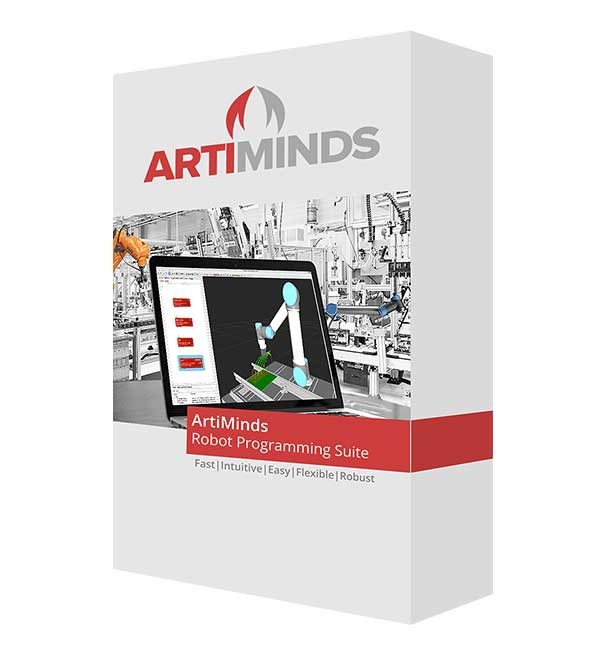
Наиболее часто Программное обеспечение для коботов применяется в следующих отраслях для решения распространённых задач:
Подберем промышленное оборудование и расходники
под вашу задачу и бюджет. Доставим за наш счет. Настроим и научим работать.
Нажимая на кнопку, Вы даете согласие на обработку персональных данных
Нажмите здесь, чтобы продолжить покупки
Политика конфиденциальности сайта ООО «Инком» (Компания «Промфорт») расположенного по адресу promfort.com основана на законе «О защите персональных данных» РФ. Мы сохраняем конфиденциальность любой предоставляемой и получаемой от любого пользователя сайта информации и защищаем полученные персональные данные от угроз любого рода. Полученные от любого пользователя персональные данные используются в строгом соответствии с Федеральным Законом от 27.07.2006 № 152-ФЗ «О персональных данных», а также Положением «О персональных данных ООО «Инком» (Компания «Промфорт») которое является неотъемлемой частью настоящей политики.
: Helps in bypassing or removing the Huawei ID linked to the device, which is particularly useful for pre-owned handsets.
: Supports commands through Fastboot and ADB modes for more stable communication between the PC and the mobile device. How to Use the Huawei Blower Unlocker
: Click the start button and wait for the process to complete. Do not disconnect the cable until the tool indicates a "Success" message. Safety and Download Considerations
: Effectively removes the Factory Reset Protection (FRP) lock, allowing access to devices after a hard reset without the original Google credentials.
: Unlocking operations often wipe the device's internal storage. Always back up your data before proceeding.
The tool is built to handle specific maintenance and security overrides that are not possible through standard settings. Its primary features include:
: Using these tools can void your warranty or, if done incorrectly, "brick" your device (render it unusable).
When looking for a download link, it is crucial to exercise caution. Many third-party sites host modified or malicious versions of such utilities.
: Once the tool detects the device, select the specific operation you need (e.g., "Remove FRP" or "Unlock Bootloader").