Download Huawei Frp Eraser !!install!! -

The IPEYE cloud video surveillance service combines convenience and affordable prices.

Video storage – starting from just 0.11 dollar per day. Up to 10 cameras in the personal account without data storage – free of charge.

Tariffs Registration

_H3_1_SCOPE_PAGE_INDEX

_P_1_01_SCOPE_PAGE_INDEX

_P_1_02_SCOPE_PAGE_INDEX

_P_1_03_SCOPE_PAGE_INDEX

_P_1_04_SCOPE_PAGE_INDEX

_P_1_05_SCOPE_PAGE_INDEX

_P_1_06_SCOPE_PAGE_INDEX

The possibilities of the cloud-based IPEYE video surveillance system

Watch videos in real-time mode.

Connecting to the cameras from any place in the world where there is the Internet access.

Setting up the limited and public access to the viewing.

Easy searching of the necessary video by date and time.

Secure storage of your records in the cloud service.

Select and download any fragment to your phone, PC or tablet computer.

Cameras with built-in IPEYE service. Easy connection and convenient use.

 video surveillance cameras

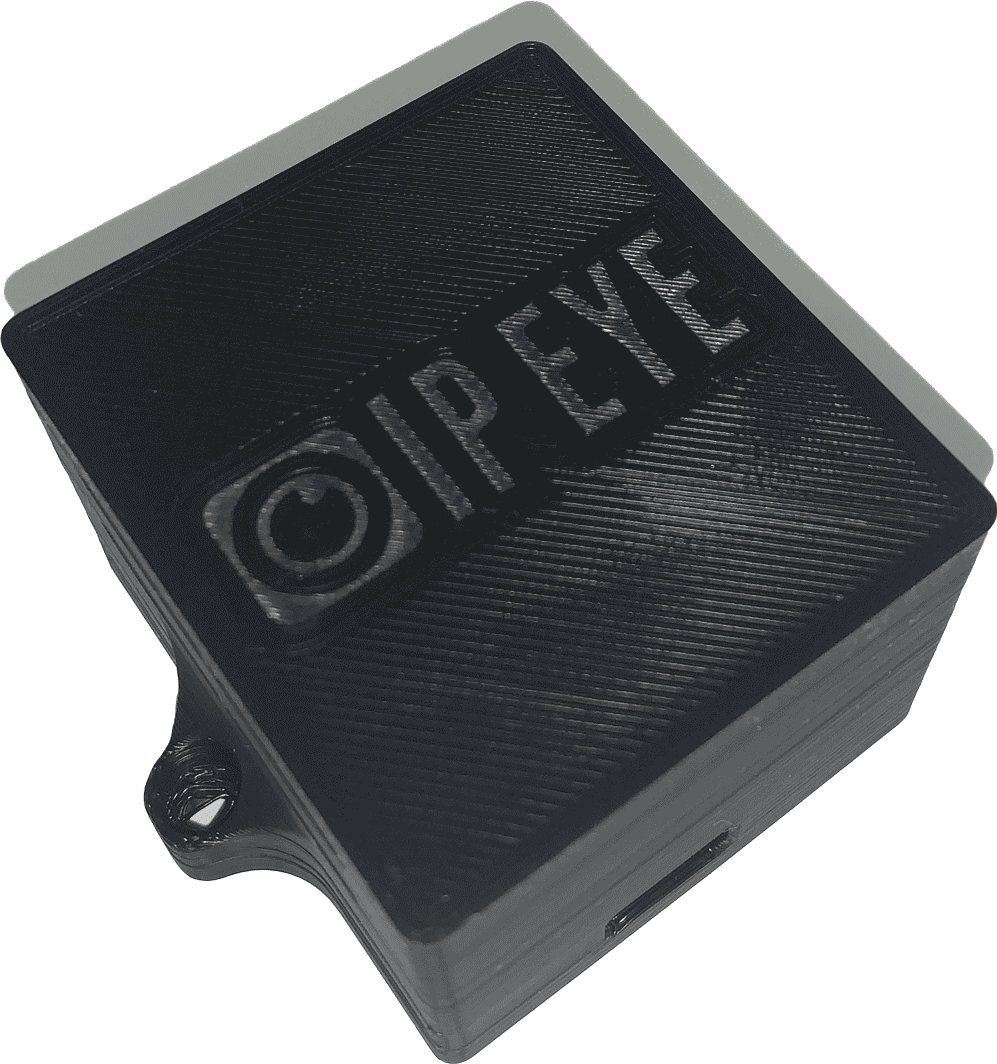
IPEYE.BOX

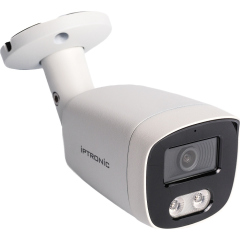
Буллет video surveillance cameras

IPTRONIC IPT-IP3BM(2,8) cloud IPEYE

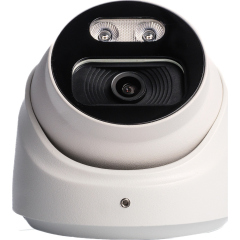
Купольная video surveillance cameras

IPTRONIC IPT-IP3DM(2,8)A cloud IPEYE

Cameras map

IPEYE offers a catalogue of cameras open for public viewing. Mark the location of your cameras and watch the videos of other IPEYE service users!

Understanding the Huawei FRP Eraser Tool Factory Reset Protection (FRP) is a security standard on Android 5.1 and higher that prevents unauthorized access to a device after a factory reset by requiring the original owner's Google account credentials. While this is vital for anti-theft, it can lock legitimate owners out if they forget their login details after a reset.

The process generally requires a PC and follows these standard steps: Bypassing Factory Reset Protection in IBM MaaS360

: Designed for various Huawei chipsets, including HiSilicon, Qualcomm Snapdragon, and MediaTek.

: For newer or more secure models, the tool may require connecting the device via "test points" (disassembling the phone) to access deeper system levels. How to Use the Huawei FRP Eraser Tool

: Some tools can detect devices in fastboot or bootloader mode to perform the erase command.

: Often promoted as a "one-click" solution to permanently remove the FRP lock from supported models.

The is a third-party software utility specifically designed to bypass or remove this Google account lock on Huawei and Honor smartphones. Key Features of Huawei FRP Eraser

IPEYE cameras and video surveillance service

The IPEYE company distributes its equipment via the authorized dealers throughout Russia. To order our equipment, contact a representative in your area or call 8-800-100-39-45.